Consent form
Online consent forms clients sign before you begin
Explain the treatment and its risks, collect an electronic signature by link or QR code, and keep a signed record of exactly what each client agreed to.
- Free to start
- Ready in 5 min
- Signed PDF records
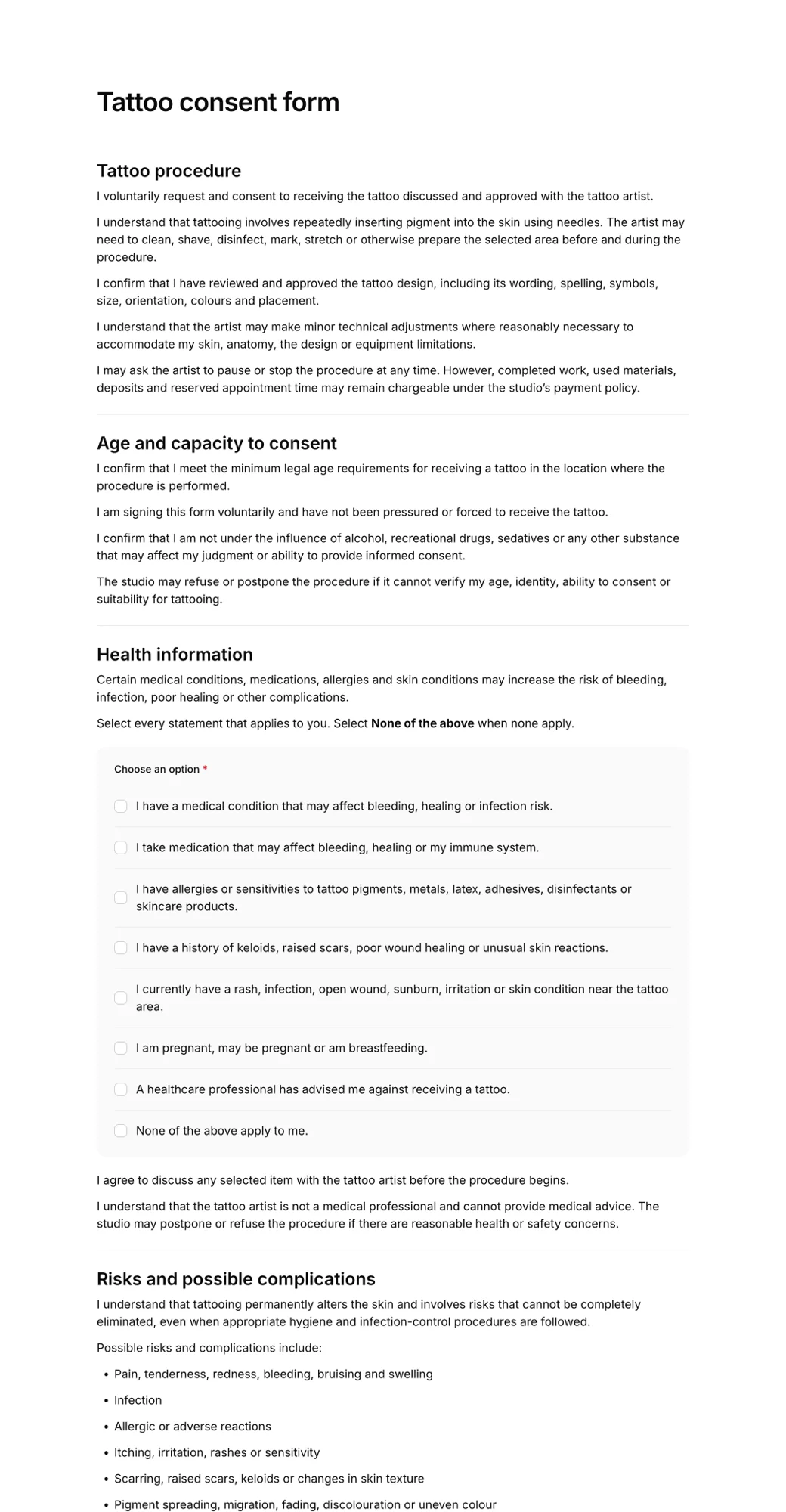


Start from a consent form template
Templates for treatments, studios, photography and minors. Edit the wording to match your service and share it in minutes.
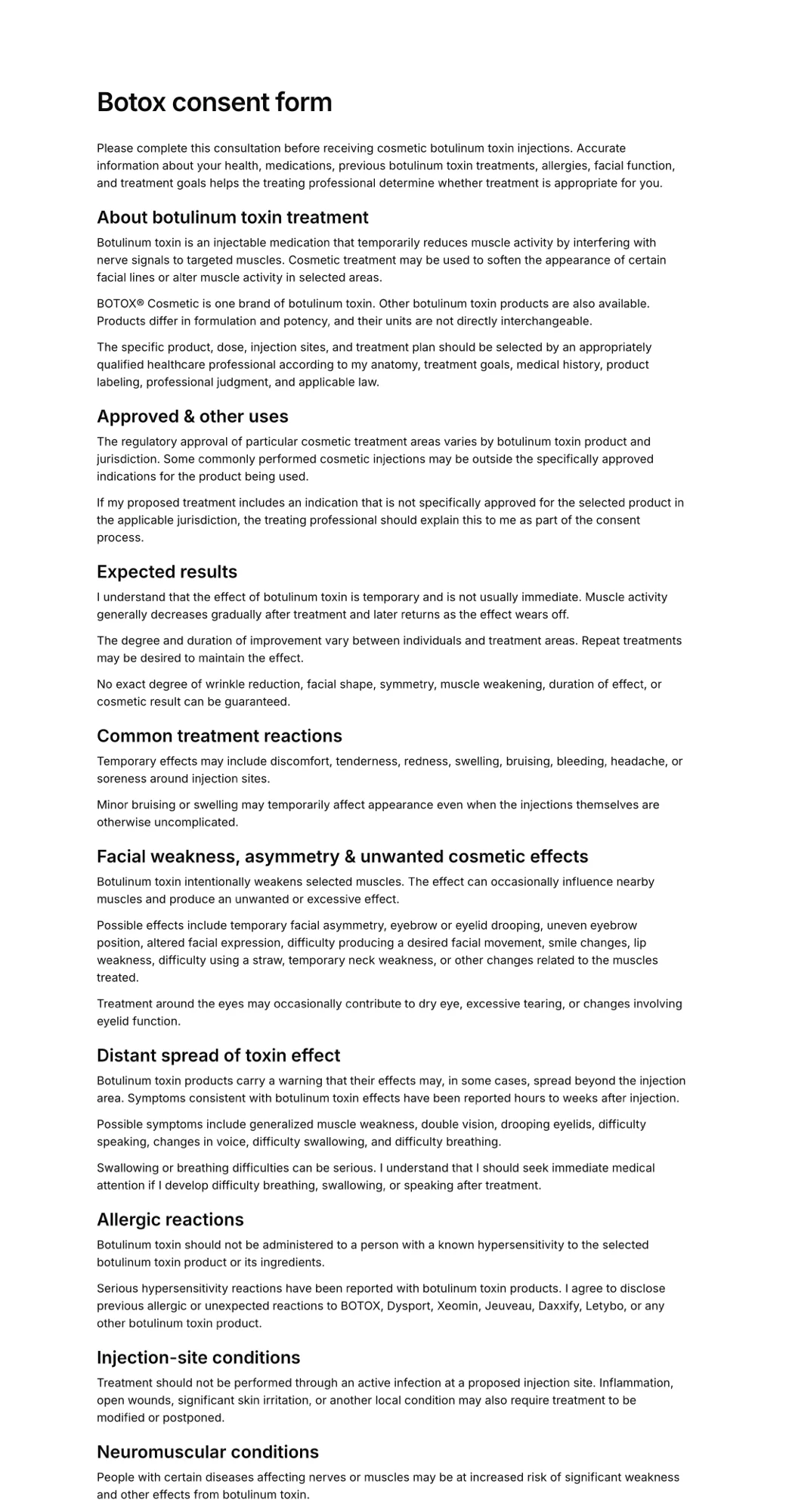
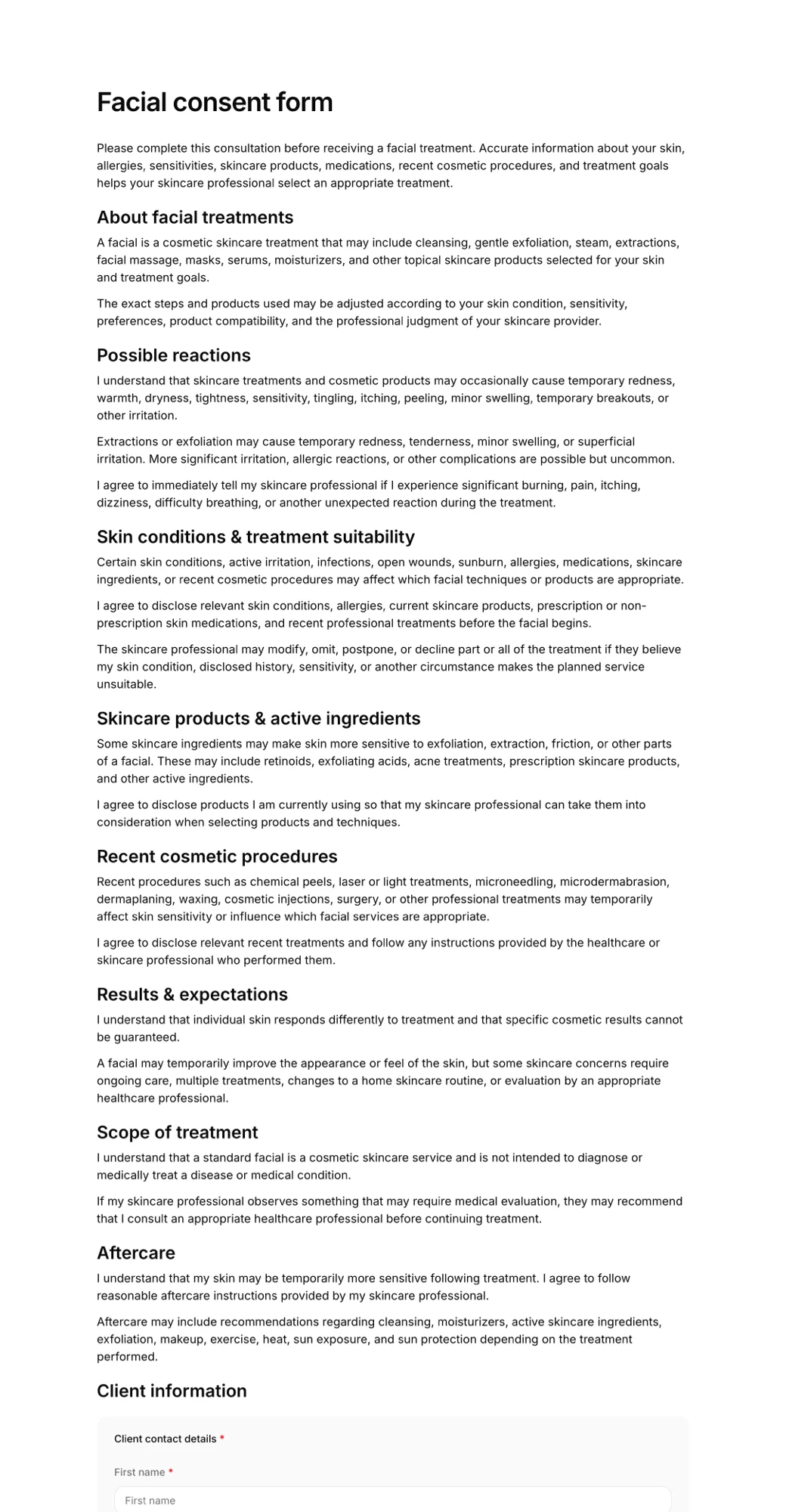
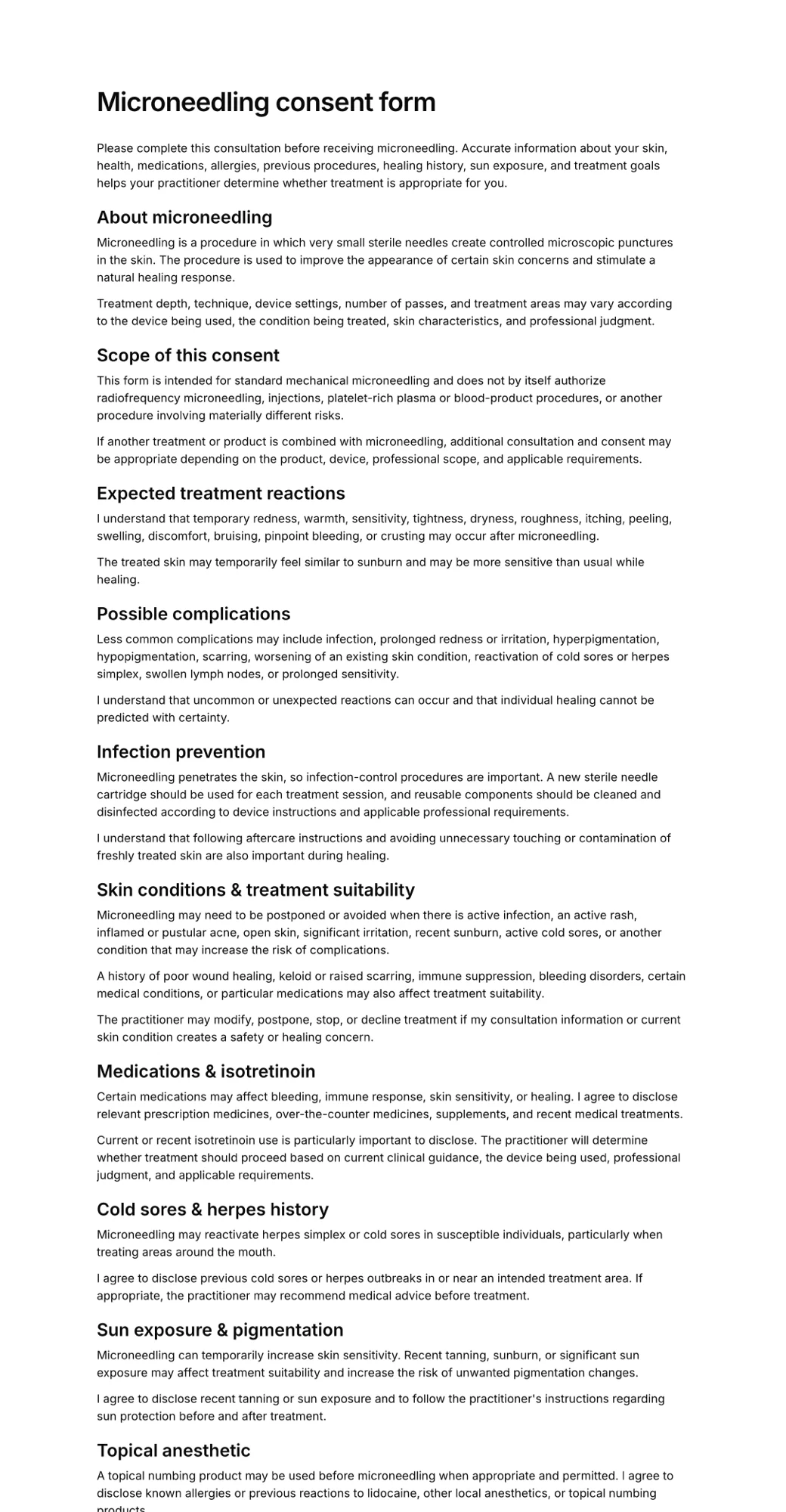
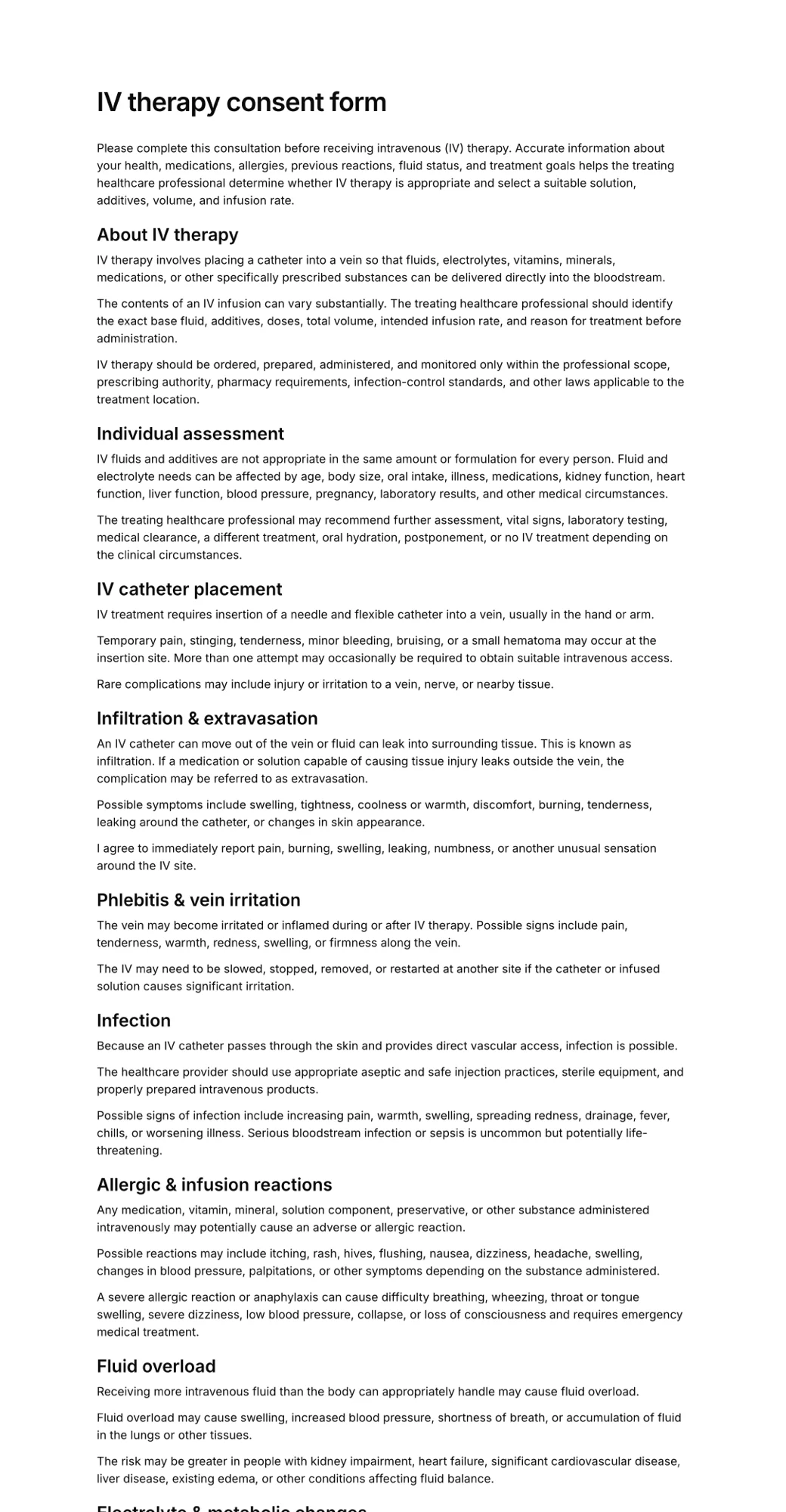
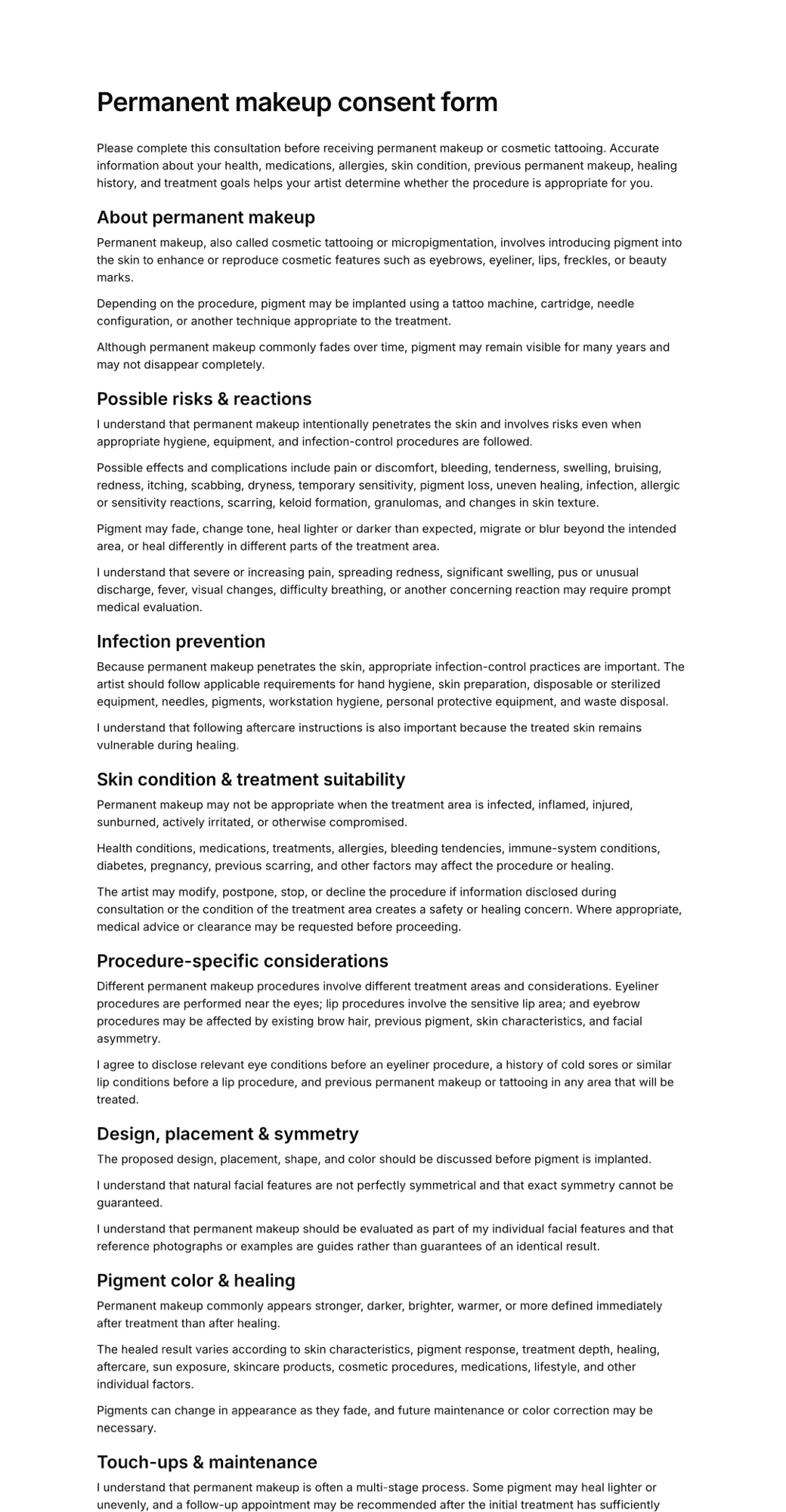
Informed consent without the clipboard
Terms they actually read
Lay out the procedure, risks and aftercare in plain sections, and add checkboxes clients must tick before they can sign.
Signed on their own phone
Send a link before the appointment or show a QR code in the studio. Clients sign with a finger, no printing or scanning.
The exact version they agreed to
Each signed record keeps the wording the client accepted, so updating your form later never changes past consents.
Know when to ask again
Expiration tracking shows which consents are out of date, and every signed PDF is one search away.
What is a consent form?
A consent form is a document a client reads and signs before a treatment, procedure or activity. It explains what will happen, the risks and side effects that are reasonably expected, and what the client needs to do before and after.
By signing, the client confirms they have had the chance to read the information and ask questions, and that they agree to go ahead. The signed form is your record of that conversation.
Moving consent online means clients can read the terms at home rather than at the counter, nothing is lost or illegible, and you can pull up any client's signed form in seconds.
See what studios include in our guide to tattoo consent forms.
How to create an online consent form
- 1
Pick a template or describe your service
Start from a consent form template, or let AI draft one from a short description of your treatment or activity.
- 2
Add your risks, terms and checkboxes
Edit the wording, ask health questions, and require clients to tick each statement before the signature.
- 3
Share it and keep every signed copy
Send the link ahead of the appointment or display a QR code. Download signed PDFs whenever you need them.
What to include in a consent form
Keep the language plain and specific to your service. These sections cover what most consent forms need.
- Client name, date of birth and contact details
- What the treatment or activity involves
- Known risks and possible side effects
- Alternatives, where relevant
- Health questions and contraindications
- Aftercare and client responsibilities
- Photo or data-use permissions
- The right to ask questions or withdraw
- Parent or guardian consent for minors
- Signature, printed name and date
Types of consent forms
The same signing flow works for any kind of consent. These are the ones businesses create most often:
Beauty and aesthetics
Facials, peels, microneedling, injectables and laser treatments.
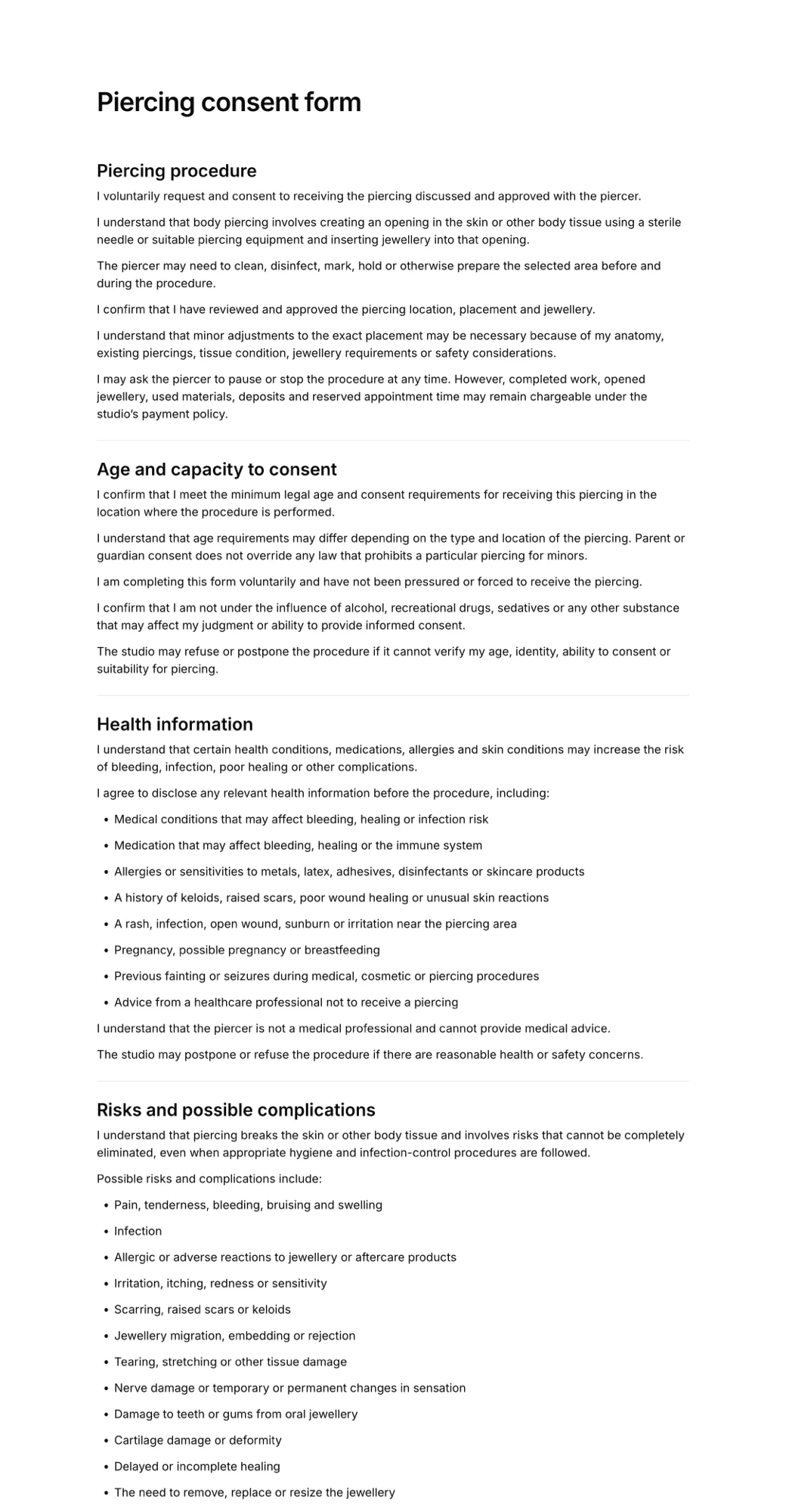
Tattoo and piercing
Age checks, health disclosures, aftercare and the client's design approval.
Wellness treatments
Acupuncture, IV therapy, massage and other hands-on sessions.
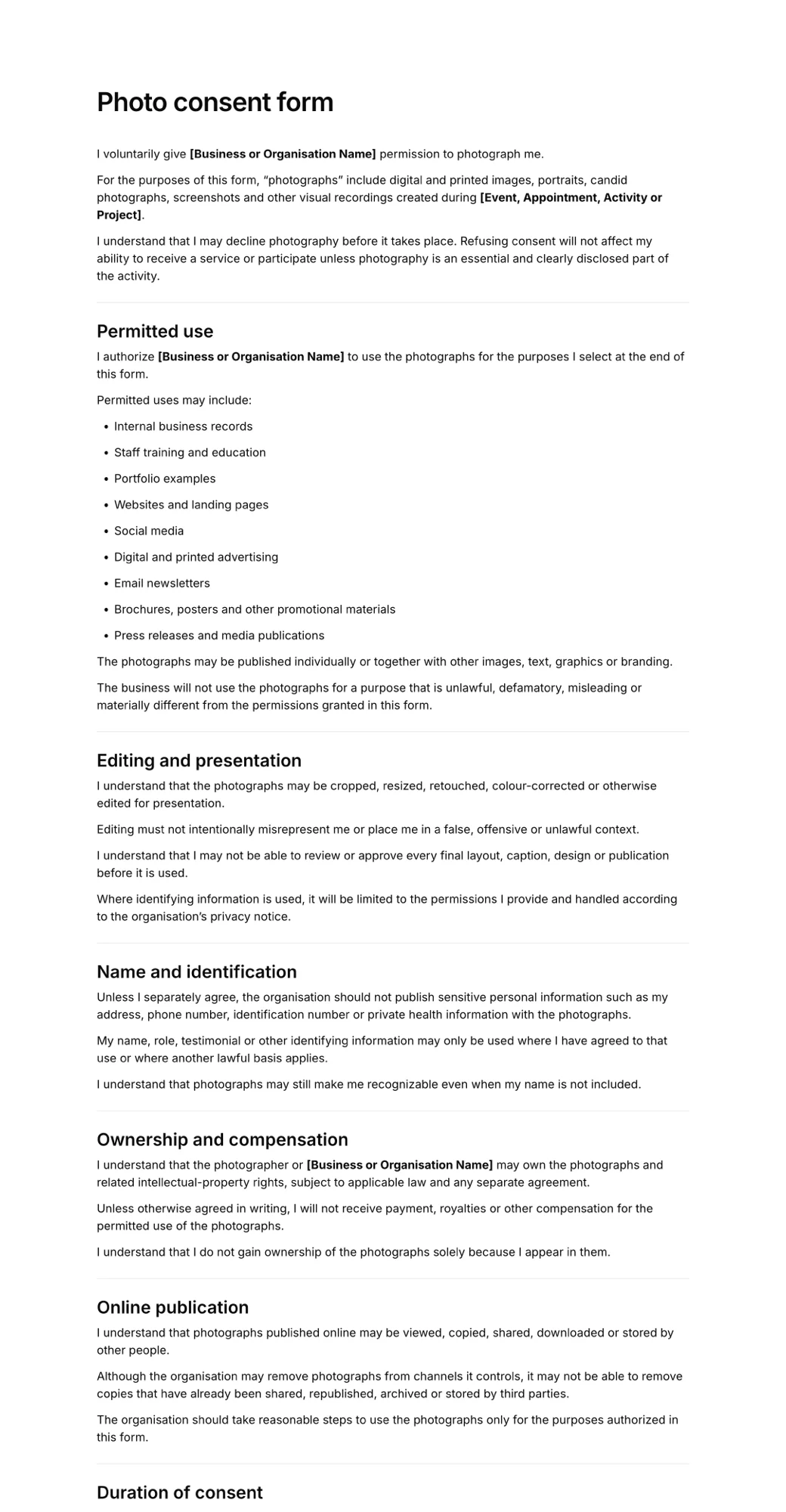
Photo and media release
Permission to photograph clients or participants and use the images.
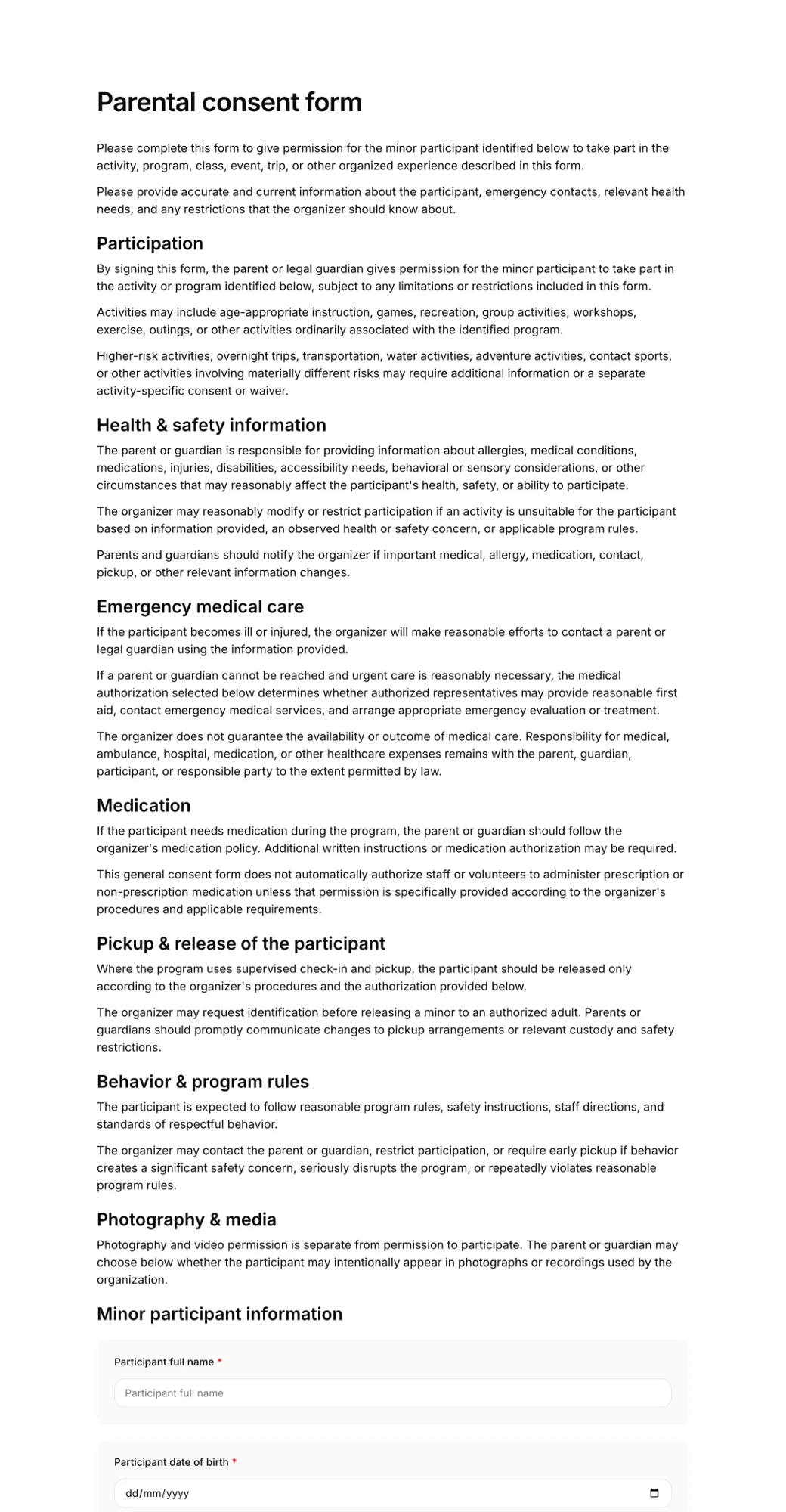
Parental consent
A parent or guardian agreeing for a child to travel, play or take part.
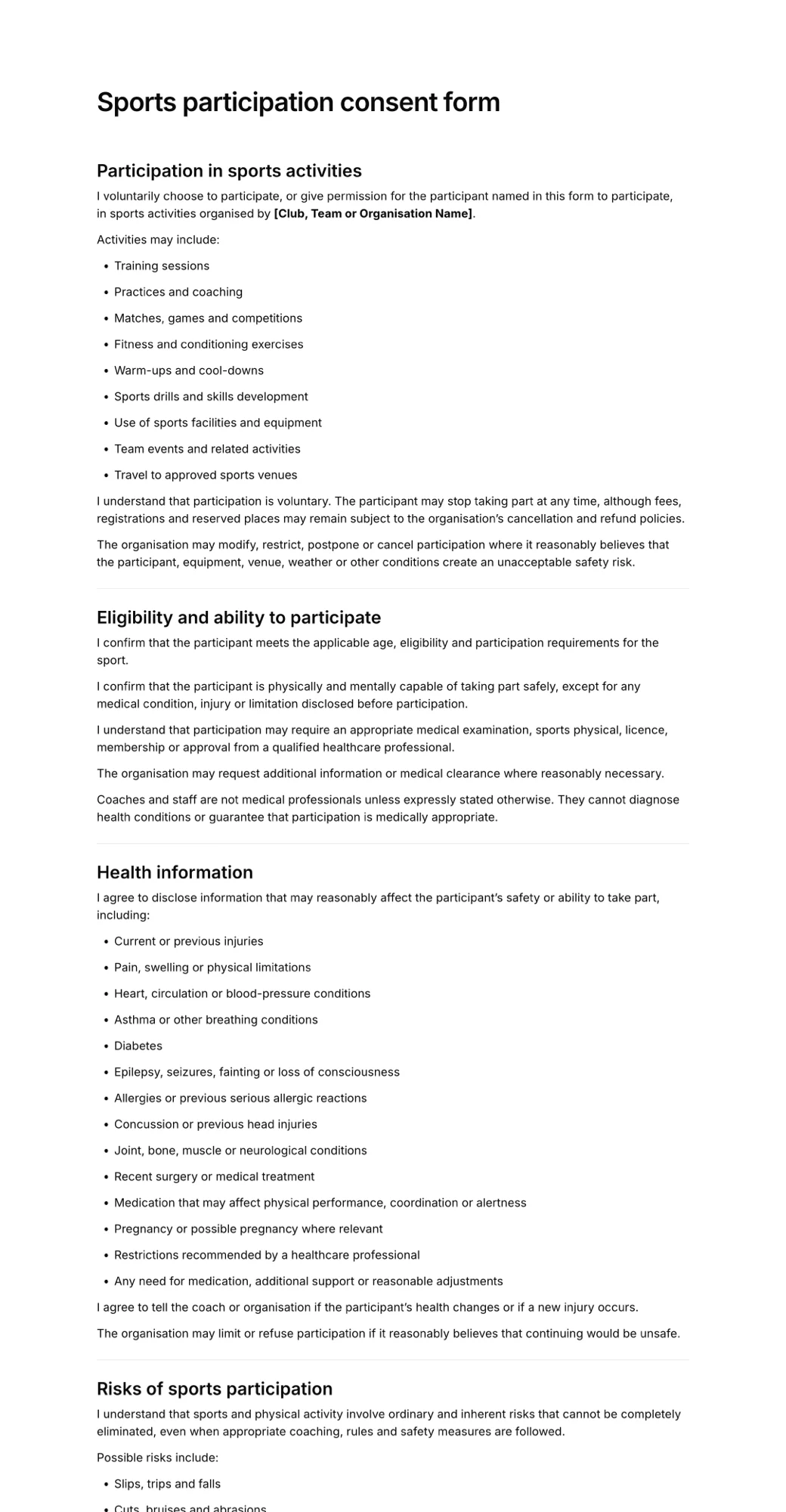
Sports and activities
Participation, medical treatment and transport consent for teams and clubs.
Collecting health history first? See online intake forms.
Frequently asked questions
What is a consent form?
A consent form records that a person has been told what a treatment, service or activity involves, including its risks, and agrees to go ahead. It is signed before the service starts and kept as evidence of what was explained and accepted.
What is the difference between a consent form and a liability waiver?
A consent form is about informed agreement: the client confirms they understand the procedure and its risks and choose to proceed. A liability waiver focuses on releasing the business from certain claims. Many businesses combine the two in one document, and you can do the same in AgreeDock.
Is an electronically signed consent form valid?
Electronic signatures are recognised in many countries, including under the ESIGN Act and UETA in the United States. Whether a particular consent holds up also depends on its wording, how it was presented and local rules for your industry, so have your terms reviewed for where you operate. AgreeDock templates are a starting point, not legal advice.
Can a parent sign a consent form for a minor?
Yes. Add fields for the child's details and the parent or guardian's name, relationship and signature. Some services, such as tattoos and certain cosmetic treatments, have minimum age rules that consent cannot override, so check what applies to you.
What happens to signed forms when I edit my consent form?
Nothing changes for forms that are already signed. Each record keeps the version of the wording the client accepted, and new clients see the updated form.
How often should clients sign a new consent form?
Many businesses ask for consent before each new course of treatment, after a change in the client's health, or once a year. Expiration tracking helps you see which clients need to sign again.
How much does an online consent form cost?
AgreeDock is free for up to 10 signed forms each month. Pro costs $15 per month, or $10 per month billed yearly, and includes unlimited forms and signatures.
Send your first consent form today
- Free to start
- Add your terms
- Collect signatures