
For camps & retreats
Camp waiver software
Participant details, emergency contacts, medical notes and parent or guardian consent in one form families complete before arrival day.
- Free to start
- Sign by link or QR code
- Every signed form on file

How camps & retreats use AgreeDock
Participant information
Collect names, dates of birth, allergies, medications and dietary needs ahead of time.
Emergency contacts
Ask for primary and backup contacts so staff know who to call.
Parent or guardian consent
Parents sign on behalf of each child, including activity and photo consent, from their own phone.
Retreats and trips
Separate forms for adult retreats, overnight trips or travel, each with its own terms.
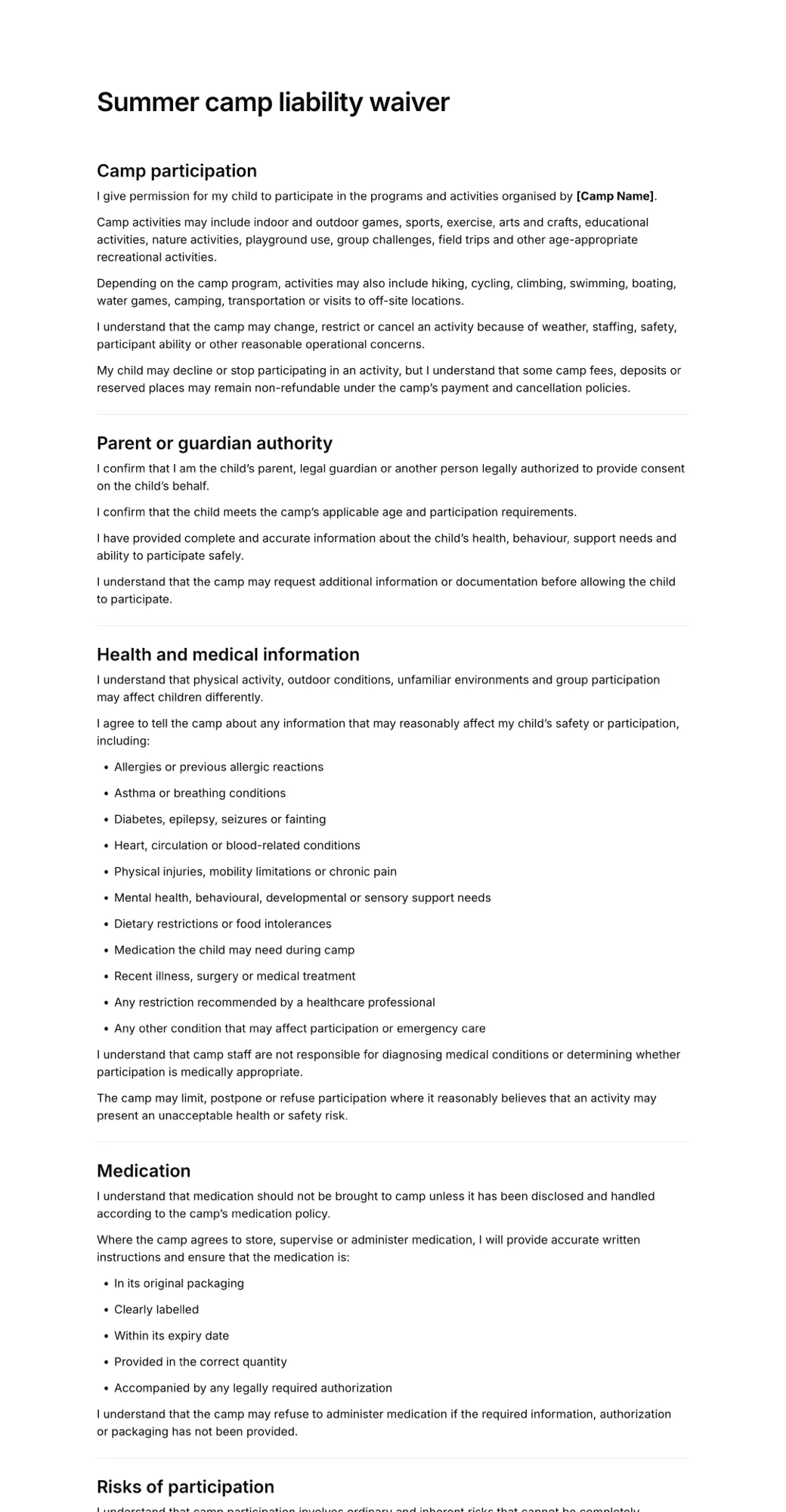
Live signing example
See what your clients sign
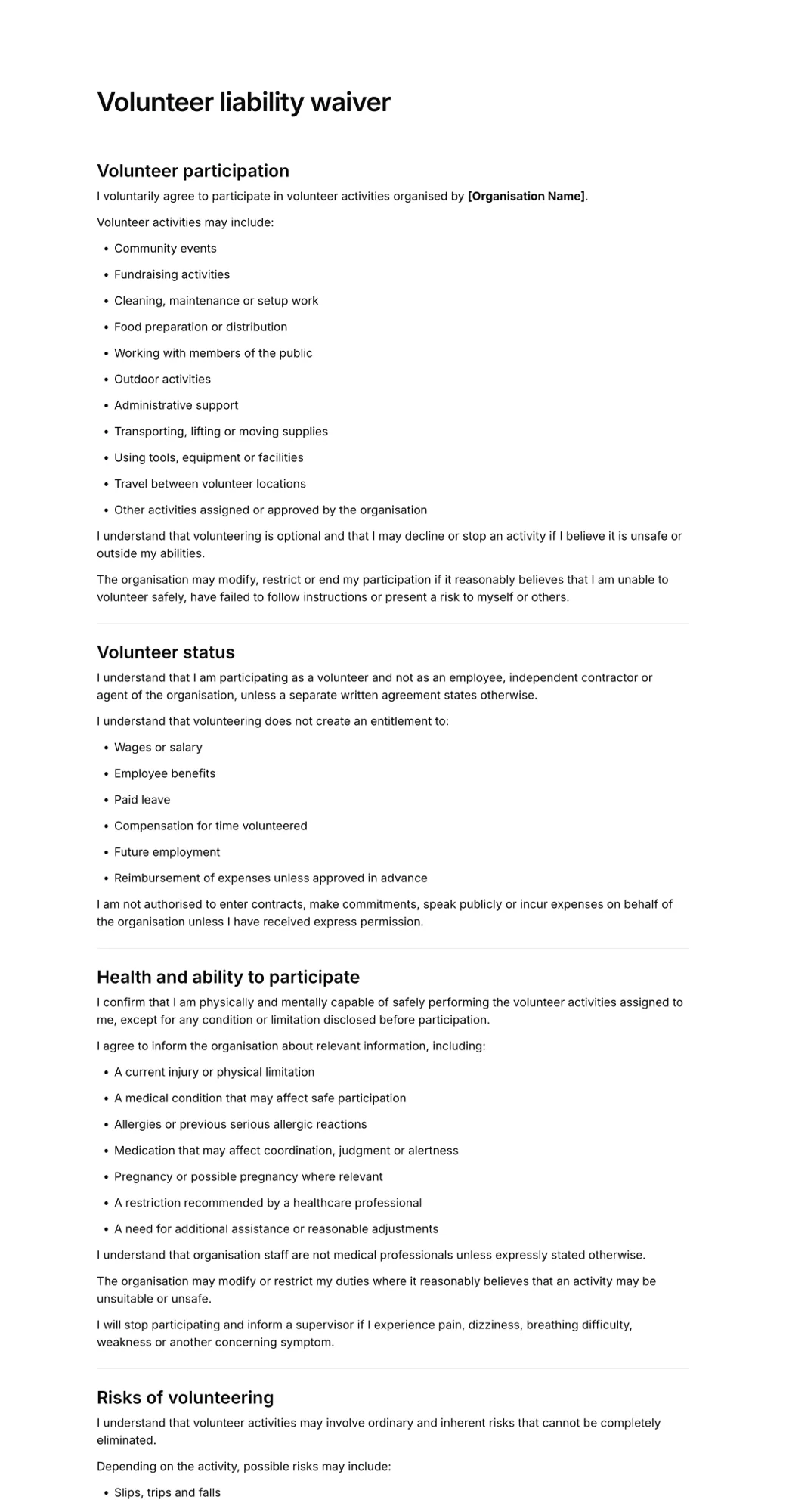
This is the real summer camp liability waiver template in the same signing page your clients use. Fill it in, tick the boxes and draw a signature with your mouse or finger. Nothing is sent.
- Opens in any browser, no app to download
- Works on phones, tablets and computers
- Signature drawn with a finger or mouse
- Each signed form keeps the exact version agreed to
How it works for camps & retreats
- 1
Build your camp form
Start from the summer camp waiver and add medical, dietary and emergency contact questions.
- 2
Send it to families
Include the link in your registration confirmation and reminder emails before the session starts.
- 3
Check on arrival day
Use the Signatures list to see who still needs to sign, and keep a QR code at check-in for late forms.
Share a QR code, collect signatures
Every form gets its own signing link and QR code. As clients sign, each form appears in your Signatures list with their name, answers and the exact wording they agreed to.
- Link for confirmations, emails and messages
- QR code for the counter or front desk
- Newest signatures first in your list
Scan to sign
Summer camp liability waiver
app.agreedock.com/sign/x7k2p9

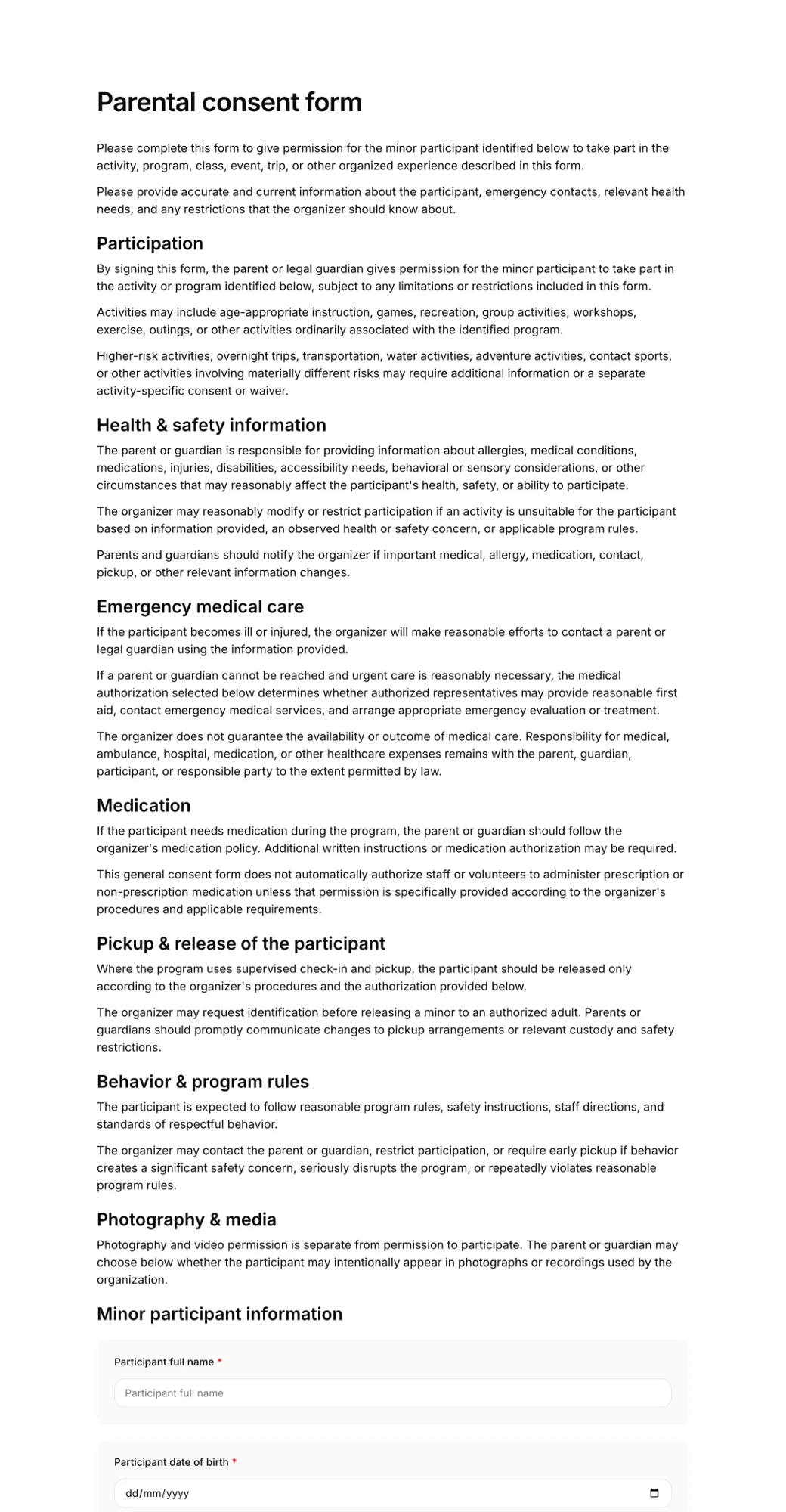
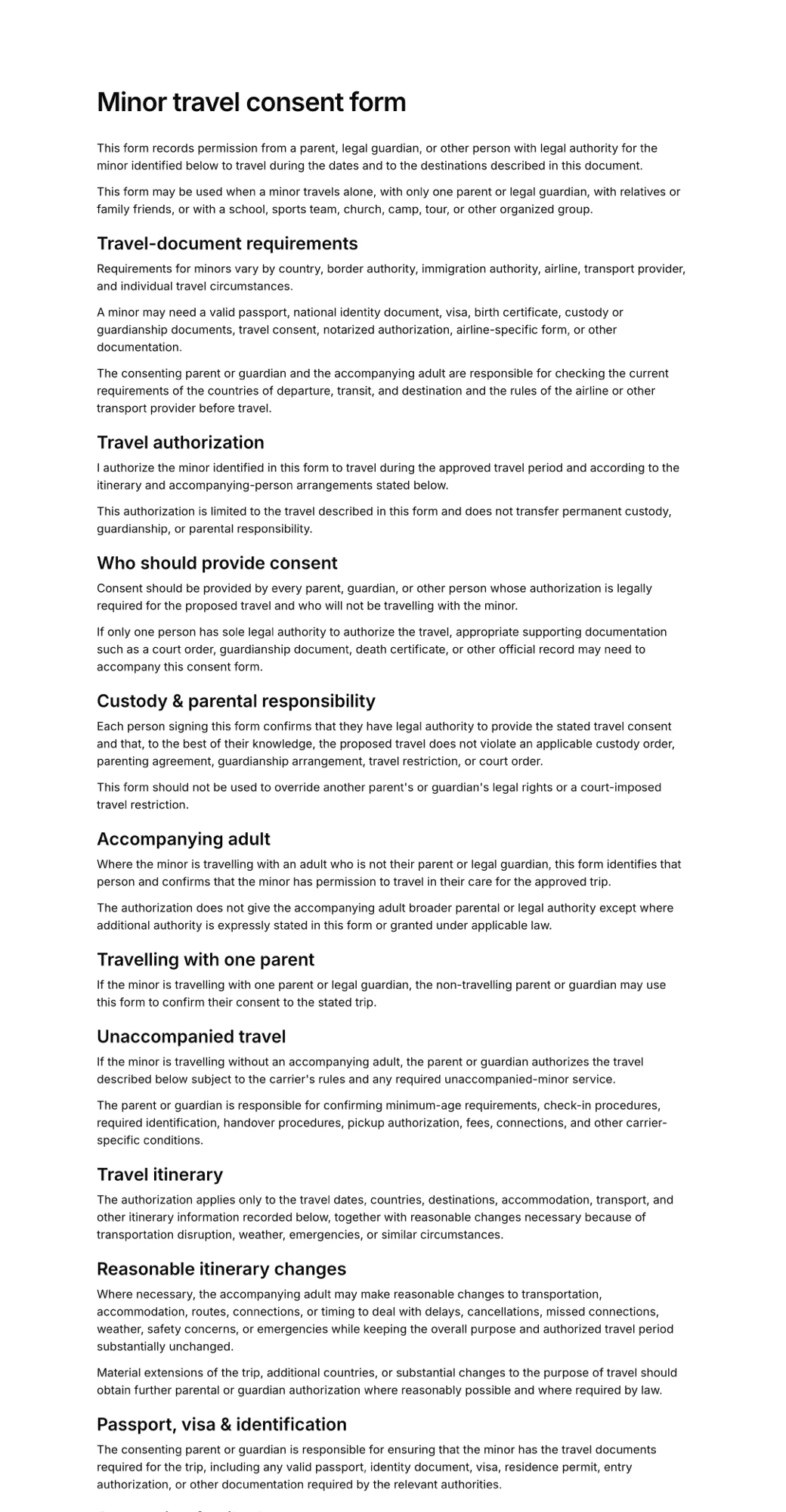
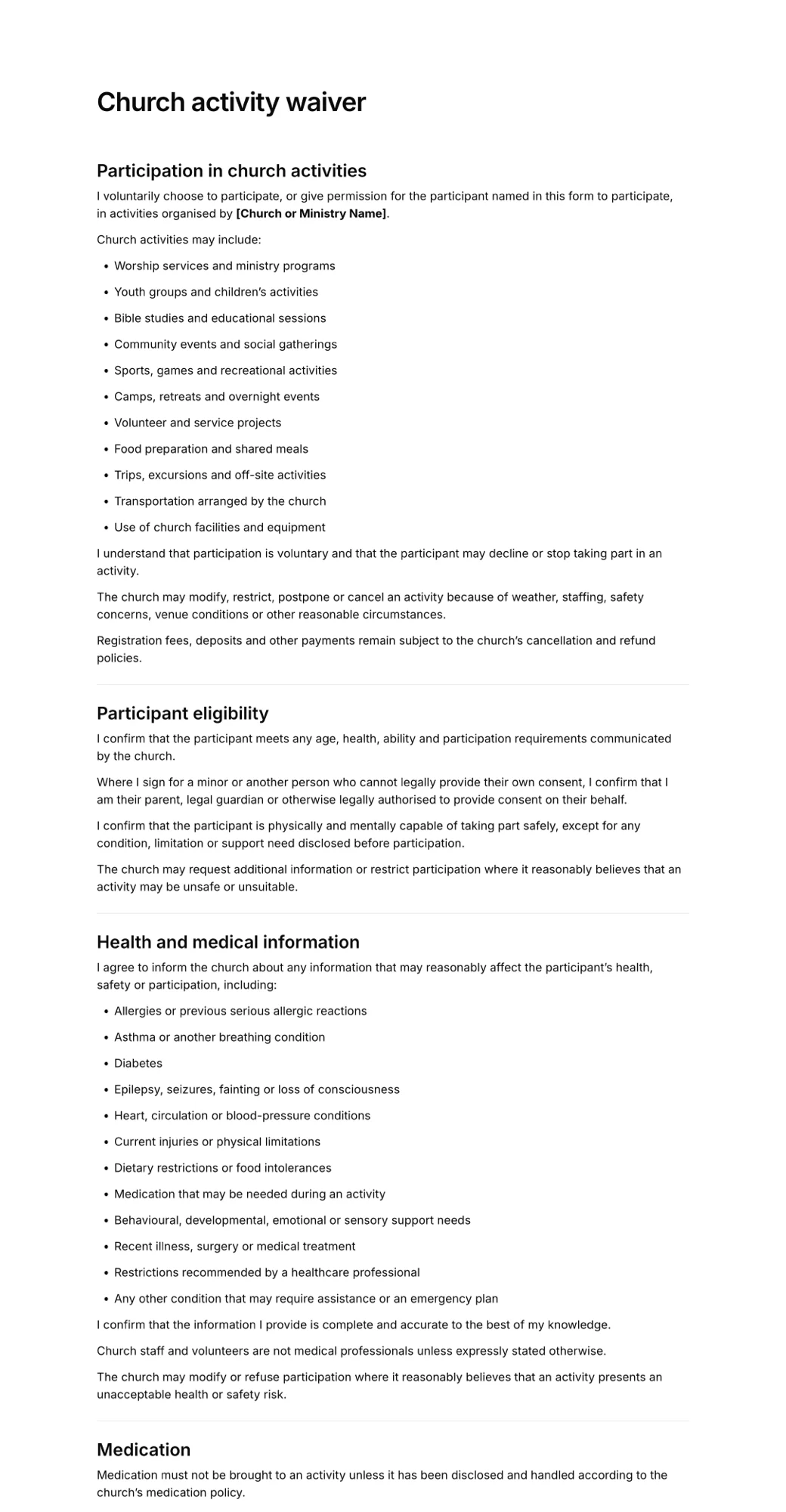
Templates for camps & retreats
Start from a ready-made form and edit the wording, questions and fields to match your business.
Simple pricing
Start for free, upgrade when you need more signatures.
Free
For trying AgreeDock or collecting occasional signatures.
$0
/month
- 10 signatures per month
- 1 active waiver
- Signing link and QR code
Pro
For businesses collecting waivers regularly.
$10
$15
/month
- Unlimited signatures
- Unlimited waivers
- Signing link and QR code
- Expiration tracking
- Signed PDF records
- Priority support
Frequently asked questions
Can a parent sign a camp waiver for their child?
Yes. Add fields for the child's details and the parent or guardian's name and relationship, and the parent signs. Whether a parent can waive particular claims for a child depends on local law, so have your wording reviewed.
Can families with several children use one form?
Each submission is one signed form, so families sign once per child. You can share the same link with every family.
How do we collect medical and allergy information?
Add text, checkbox and multiple-choice questions for allergies, medications, dietary needs and medical conditions. Only collect what your staff need.
Does AgreeDock handle camp registration and payments?
No. AgreeDock is for the forms and signatures. Keep using your registration or payment system and share the waiver link alongside it.
Can staff see who hasn't signed yet?
Your Signatures list shows everyone who has signed each form, so you can compare it with your roster before arrival day.
Can we use it for adult retreats too?
Yes. Create a retreat form with its own terms, emergency contacts and travel details, separate from your children's camp forms.
Other industries
- Tattoo & piercing studiosConsent before the needle: signed ahead of time or by QR code at the counter.
- Gyms & fitness studiosNew-member waivers, intake forms and class sign-ups, signed online.
- Beauty salons & estheticiansConsultation and treatment consent forms for every service on your menu.
- Yoga & Pilates studiosStudent intake and participation waivers for classes, workshops and retreats.
- Activity businessesGuests signed before arrival or by QR code at reception.
- Rental businessesRental terms and equipment responsibilities signed before pick-up.
Get your camps & retreats paperwork signed
- Pick a template
- Share the link
- Collect signatures